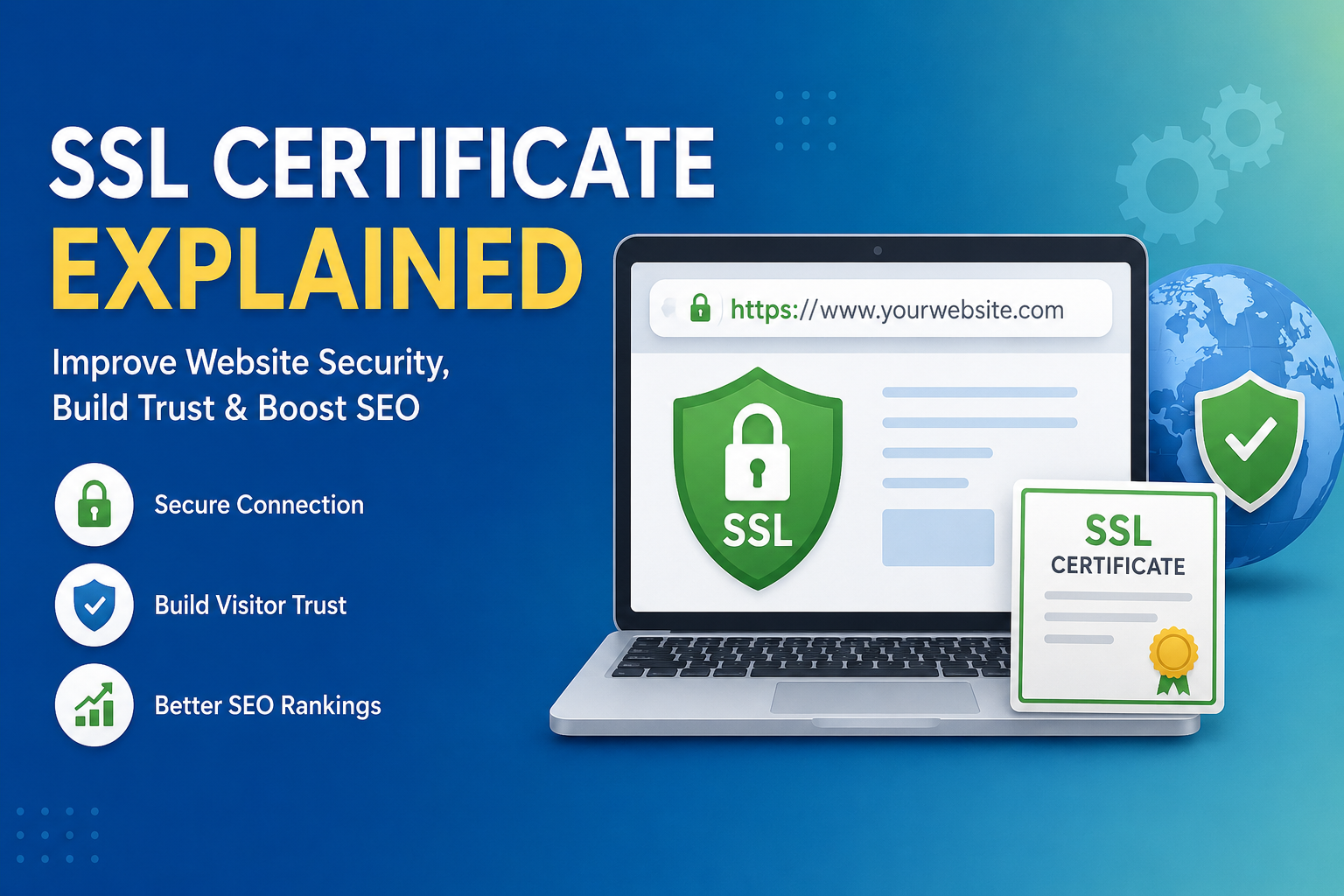
If you have ever visited a website and noticed a small padlock icon next to the website address, then you have already seen an SSL certificate in action. When I first started learning about websites, I used to think that SSL certificates were only for large businesses or online shopping websites. Later, I realized that every website, whether it is a personal blog, an educational website, or a business site, should have an SSL certificate.
Today, website security has become more important than ever. Every day thousands of websites are targeted by hackers who try to steal user information or damage websites. An SSL certificate is one of the simplest and most effective ways to make a website more secure. In this article, I will explain what an SSL certificate is, how it works, why it is important, and how you can choose the right one for your website.
What Is an SSL Certificate
SSL stands for Secure Sockets Layer. Although modern websites actually use TLS, the term SSL is still commonly used by website owners and hosting companies.
An SSL certificate is a digital certificate that creates a secure connection between a visitor’s browser and the website server. This secure connection protects the information being shared between both sides. It ensures that sensitive data such as passwords, email addresses, payment information, and personal details cannot be easily stolen by hackers.
Whenever I see the padlock icon in the browser, I know that the website has an encrypted connection. It gives me confidence that my information is much safer than on a website without SSL.
How Does an SSL Certificate Work
The working process of an SSL certificate may sound technical, but the basic idea is actually simple.
When someone visits a website with SSL enabled, the browser first checks the SSL certificate. If the certificate is valid, the browser and the website create an encrypted connection. This encrypted connection converts all transmitted information into unreadable code.
If someone tries to intercept this information while it is traveling across the internet, they will only see meaningless encrypted data instead of the actual information.
This entire process happens within a few seconds, and visitors usually do not even notice it.
How to Know If a Website Has SSL
Checking whether a website uses SSL is very easy.
The first thing I check is the website address.
A secure website starts with HTTPS instead of HTTP.
For example
Instead of
Another sign is the padlock icon shown in the address bar. Clicking on the padlock usually displays certificate information and confirms that the connection is secure.
Why SSL Certificates Are Important
Many people think SSL is only necessary for online stores, but I believe every website should use it.
One major reason is data protection.
Whenever visitors submit a contact form, log into an account, or enter personal information, SSL encrypts that data.
Another important benefit is building trust.
Visitors are much more likely to stay on a secure website than on one that shows a security warning.
SSL also helps improve your website’s professional image. A secure website looks more reliable and trustworthy.
SSL Helps Improve SEO
One reason I always recommend SSL is because search engines like secure websites.
Google has confirmed that HTTPS is a ranking signal. While SSL alone will not move a website to the top of search results, it does provide a small SEO advantage over websites that still use HTTP.
Search engines want users to browse safely. As a result, secure websites often perform better in search rankings than unsecured ones.
For anyone trying to grow organic traffic, SSL is a smart investment.
SSL Increases Visitor Trust
Imagine visiting a website where your browser displays a warning saying that the connection is not secure.
Most people immediately leave that website.
I know I would.
Visitors naturally trust websites with the padlock icon because they know their information is protected.
If your website asks users to create accounts, submit forms, or make purchases, SSL becomes even more important.
A secure website encourages visitors to spend more time browsing and increases the chances that they will return again.
Types of SSL Certificates
There are several types of SSL certificates available.
The first is Domain Validation.
This is the most common and affordable option. It verifies ownership of the domain name and is suitable for blogs, educational websites, and small business websites.
The second is Organization Validation.
This certificate verifies both the domain and the organization behind the website. It offers a higher level of trust.
The third is Extended Validation.
This is the highest level of SSL validation. Websites with this certificate go through a detailed verification process. It is commonly used by banks, financial institutions, and large companies.
Free SSL vs Paid SSL
One question I hear frequently is whether free SSL certificates are good enough.
In my opinion, free SSL certificates work perfectly for most websites.
Many hosting companies provide free SSL certificates through Let’s Encrypt. These certificates offer strong encryption and are trusted by modern browsers.
Paid SSL certificates may include additional features such as extended validation, warranty protection, customer support, and business verification.
For personal blogs, educational websites, and small businesses, free SSL is usually more than enough.
What Happens Without SSL
A website without SSL faces several problems.
First, browsers may display security warnings that discourage visitors.
Second, any information sent through forms can be exposed to attackers.
Third, visitors may lose confidence in your website.
Finally, search engines may rank your website lower than secure competitors.
These risks make SSL one of the first things I install whenever I launch a new website.
How to Install an SSL Certificate
Installing an SSL certificate has become much easier than it was years ago.
Most hosting companies now allow SSL installation with a single click.
The general process includes logging into your hosting account, locating the SSL section, enabling the certificate, and forcing HTTPS across your website.
If you use WordPress, many hosting providers automatically configure everything for you.
After installation, always test your website to ensure every page loads using HTTPS.
Common SSL Errors
Sometimes websites experience SSL related issues.
One common error occurs when the certificate has expired.
Another happens when some images or scripts still load through HTTP instead of HTTPS. This is called mixed content.
Sometimes the browser cannot verify the certificate because it has been installed incorrectly.
Fortunately, most hosting companies provide tools and support to resolve these problems quickly.
SSL for WordPress Websites
If you run a WordPress website like I do, SSL should be one of your top priorities.
Many WordPress plugins and hosting companies automatically redirect visitors from HTTP to HTTPS.
After enabling SSL, I always check every page, image, and internal link to ensure everything loads securely.
Using SSL also improves compatibility with modern browsers and helps create a better experience for visitors.
SSL for Online Stores
For ecommerce websites, SSL is absolutely essential.
Customers trust websites that protect payment information.
Without SSL, payment gateways may refuse to process transactions, and customers will hesitate to complete purchases.
Whether you sell physical products, digital downloads, or online services, SSL is necessary for protecting customer information.
How to Check Your SSL Certificate
I recommend checking your SSL certificate regularly.
You should verify that the certificate is active, correctly installed, and not close to expiration.
Most hosting dashboards display the certificate status.
Several online SSL checking tools can also scan your website and identify configuration problems.
Regular monitoring helps avoid unexpected security warnings.
My Personal Opinion About SSL
When I first learned about website security, I underestimated the importance of SSL.
Now I see it as one of the easiest improvements any website owner can make.
It protects visitors, builds trust, supports SEO, improves professionalism, and helps create a safer internet for everyone.
Whether your website receives ten visitors each day or ten thousand, SSL is worth using.
Final Thoughts
An SSL certificate is much more than just a security feature. It protects communication between your website and its visitors, increases user confidence, supports search engine optimization, and helps your website appear more professional.
In my experience, there is no reason to delay installing SSL. Most hosting companies offer free certificates, the setup process is simple, and the benefits are significant. Every website owner should make SSL a priority from the very beginning. A secure website not only protects valuable information but also creates a better experience for every visitor. As the internet continues to evolve, website security will only become more important, and SSL remains one of the strongest foundations for building a trustworthy online presence.